Avatar Legends crossplay: online, rollback netcode와 플랫폼
Avatar Legends crossplay 한국어 가이드. full cross-play, rollback netcode, 지원 플랫폼, 설정 흐름, platform 차이, 문제 해결과 구매 조언을 설명합니다.
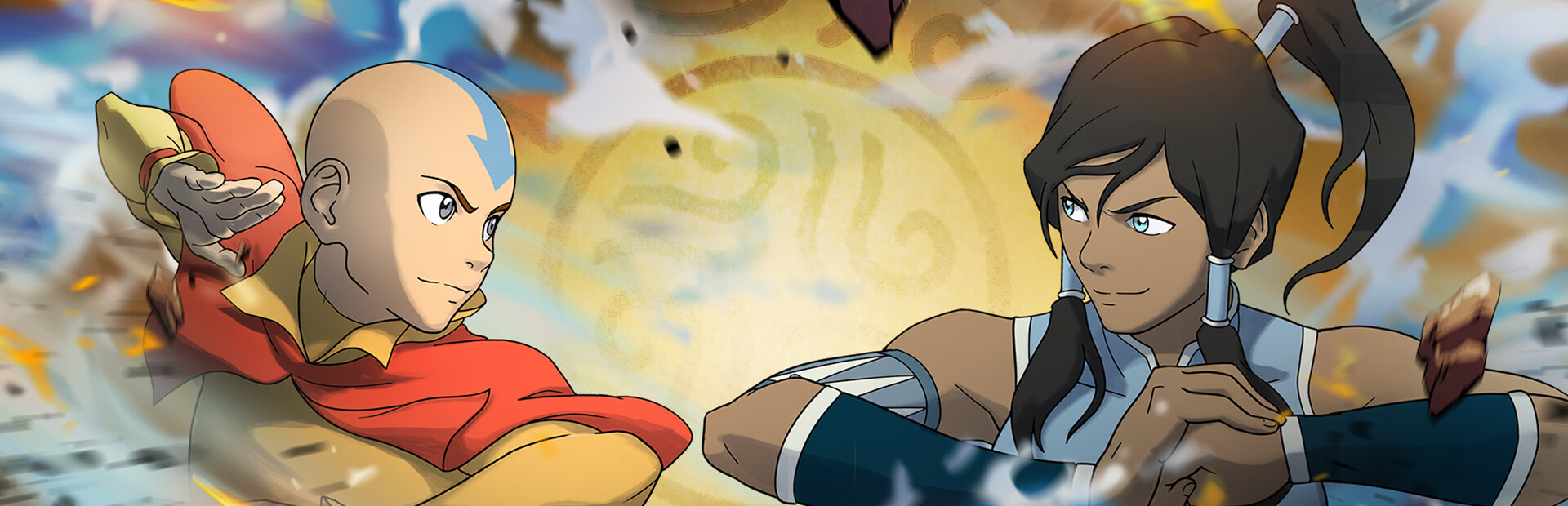
Avatar Legends crossplay 초점
Avatar Legends: The Fighting Game은 Steam 자료에서 full cross-play와 proprietary rollback netcode를 내세웁니다. 친구들이 PC와 console로 나뉘어 있다면 구매 전에 가장 중요하게 확인할 기능 중 하나입니다.
빠른 답
예. 이 게임은 여러 플랫폼 간 online battle을 위한 full cross-play로 마케팅됩니다. 실전적으로는 PC와 console 플레이어가 별도 community에 갇히지 않고 더 넓은 matchmaking pool에서 만나는 것을 의미합니다.
공식 store 정보에서 확인되는 내용은 다음과 같습니다.
- 빠른 1v1 fighter와 Online Versus.
- Steam 기준 full cross-play와 rollback netcode.
- 현재 casual play가 중심이며 첫 ranked season에서 Ranked Mode, Spectator Mode, Beginner's Zone, Casual Modes, tutorials, Combo Trials가 추가됩니다.
- Steam에서는 third-party EULA 동의가 필요할 수 있습니다.
Supported platforms and release timing
| 플랫폼 | 알아둘 점 | |
|---|---|---|
| PC / Steam | Steam page는 full controller support, Steam Achievements, Steam Cloud, Family Sharing을 표시합니다. | |
| PlayStation | 공식 및 press 자료가 PlayStation support를 언급합니다. 지역 store와 online subscription 조건을 확인하세요. | |
| Xbox Series X | S | 일부 launch summary는 Xbox support를 별도 timing으로 언급하므로 친구와 구매 전 현재 Xbox store page를 확인하세요. |
| Nintendo Switch / Switch 2 | press coverage와 official-style summary가 Switch support를 언급하지만 timing과 region에 따라 다를 수 있습니다. | |
| Arcade | arcade availability가 언급되어도 같은 online ecosystem이라고 가정하지 마세요. operator 확인이 필요합니다. |
platform launch timing은 바뀔 수 있습니다. cross-platform set을 잡기 전 모든 플레이어가 자기 store에서 같은 current build를 내려받을 수 있는지 확인하는 것이 가장 안전합니다.
How to set up cross-platform online play
정확한 menu label은 patch로 바뀔 수 있지만 setup flow는 다음과 같습니다.
- 모든 platform에서 game을 최신 버전으로 update합니다.
- main menu에서 Online 또는 Versus로 들어갑니다.
- 현재 가능한 Casual Match, Lobby/Room, Ranked를 선택합니다.
- Settings 또는 Online Settings에서 cross-play toggle이 있으면 켭니다.
- 현재 version이 제공하는 lobby, room code, invite system, friend search를 사용합니다.
- EULA나 online terms를 요구하면 room join 전에 완료합니다.
- ranked 전에 casual set으로 input delay, connection quality, controller mapping을 테스트합니다.
친구가 보이지 않는다고 바로 crossplay 고장으로 판단하지 마세요. 먼저 양쪽 game update, online 상태, 같은 mode 또는 room type 선택 여부를 확인하세요.
Rollback netcode: 하는 일과 못 하는 일
Rollback netcode는 fight가 responsive하게 느껴지도록 remote input을 기다리기보다 짧은 순간을 예측하고 필요할 때 보정하는 방식입니다.
Rollback이 도와주는 것
- delay-based online보다 responsive한 input.
- 양쪽 connection이 안정적일 때 long-distance play 개선.
- 1~2 frame delay가 중요한 competitive match 품질.
Rollback이 해결하지 못하는 것
- 약한 Wi-Fi.
- 심한 packet loss.
- match 중 download나 streaming.
- patch 이후 version mismatch.
- 너무 먼 region distance.
최상의 경험을 위해 가능하면 wired Ethernet을 쓰고, 큰 download와 cloud backup tool을 끄고, ranked 전에 casual match로 테스트하세요.
Platform differences that matter
Crossplay는 서로 만날 수 있게 해 주지만 플랫폼 경험은 여전히 다를 수 있습니다.
| 차이 | 중요한 이유 |
|---|---|
| Patch timing | PC와 console update가 가끔 다른 시점에 도착할 수 있습니다. version이 맞지 않으면 lobby가 실패합니다. |
| Online subscription | console platform은 자체 online membership이 필요할 수 있습니다. PC는 보통 platform subscription이 필요 없습니다. |
| Controller support | Steam은 DualShock과 DualSense를 포함한 full controller support를 표시하며 console은 native controller를 씁니다. |
| Performance target | fighting game은 stable frame rate가 필요합니다. 한 platform이 frame drop을 내면 rollback이 있어도 match 감각이 나빠집니다. |
| Input method | PC keyboard도 가능하지만 controller 또는 arcade stick mapping을 먼저 검증해야 합니다. |
| Language/interface | Steam은 English full audio와 여러 interface/subtitle 언어를 표시합니다. platform store의 언어 표기는 다를 수 있습니다. |
Troubleshooting crossplay problems
- 양쪽 game update. patch 뒤 failed lobby의 가장 흔한 원인은 version mismatch입니다.
- game restart. online terms 동의, DLC 설치, network setting 변경 뒤에는 restart하세요.
- selected mode 확인. casual, ranked, private lobby, beginner zone은 matchmaking rule이 다를 수 있습니다.
- crossplay settings 확인. toggle이 있다면 양쪽 모두 enable해야 합니다.
- console privacy settings 확인. 일부 console account는 cross-network communication이나 invite를 막을 수 있습니다.
- online subscription 확인. console multiplayer는 platform-level membership이 필요할 수 있습니다.
- strict NAT 회피. restricted router는 direct lobby connection을 막을 수 있습니다.
- wired network로 테스트. wired는 되고 Wi-Fi만 실패하면 local connection stability 문제일 가능성이 큽니다.
- DLC version conflict 제거. DLC character나 pass가 lobby eligibility에 영향을 주면 양쪽 content license를 update하세요.
- public casual match 시도. matchmaking은 되는데 private invite만 실패하면 invite, account, lobby setting 문제일 수 있습니다.
Cross-progression and cross-save caution
Crossplay와 cross-progression은 다릅니다. Crossplay는 다른 platform의 플레이어가 서로 싸우는 기능입니다. Cross-progression은 unlock, rank, purchase가 platform 사이에서 이동하는 기능입니다.
현재 단계에서는 official store나 publisher account flow가 명확히 확인하기 전까지 cross-progression을 미확정으로 보세요. 두 platform에서 구매할 계획이면 rank, colors, DLC ownership, achievements, save data 이전 여부를 먼저 확인하세요.
Best setup for playing with friends
- 사용할 mode를 정합니다: casual match, lobby, ranked.
- 모든 플레이어가 tutorial 또는 online terms를 먼저 끝냅니다.
- 모두 game update 후 한 번 restart합니다.
- streaming이나 download 없이 짧은 set을 테스트합니다.
- 불안정하면 wired network 또는 더 가까운 region/opponent를 선택합니다.
- private room invite가 실패하면 public matchmaking이나 lobby 재생성을 backup plan으로 둡니다.
Buying advice
친구들이 PC와 console로 나뉘어 있다면 crossplay는 Avatar Legends를 고려할 강한 이유입니다. competitive play가 목적이라면 ranked timing, training tools, controller support, performance stability, 지역 population도 함께 평가하세요.
Sources used for this guide
이 페이지는 Steam store page와 cross-checked third-party coverage를 요약합니다. platform availability, patch timing, online mode name이 바뀔 때는 official detail을 우선해야 합니다.